
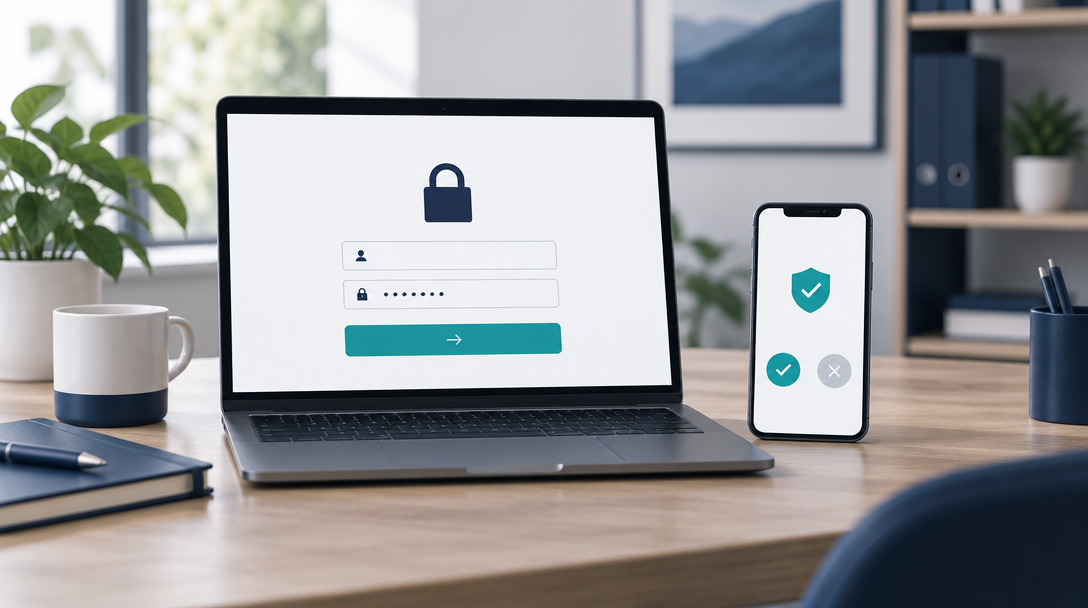
A stolen password is one of the most common ways small businesses get hacked. Multi-factor authentication (MFA) adds a second check, such as a code or an approval on a phone, so a password alone is not enough. Rolling it out does not have to be painful. Here is a practical plan.
1. Start with the accounts that matter most
Begin with email, banking, cloud file storage and any admin logins. These accounts give access to the most money and data, so they should be protected first.
2. Choose the right kind of MFA
Authenticator apps and security keys are stronger than text message codes. Pick a method your team can use easily, and make sure it works on the phones your staff already carry.
3. Roll it out in stages
Start with admins and IT-sensitive roles, then move to the rest of the team. A staged rollout lets you fix problems on a small group before everyone is affected.
4. Write a short guide for your team
Explain what MFA is, why you are adding it, and the exact steps to set it up. Include screenshots and a person to ask for help. A one-page guide prevents most support calls.
5. Plan for lost phones and locked accounts
Set up backup codes or a second method for every account, and decide in advance how staff can recover access. Store backup codes in a secure place that is not on the same device.
6. Handle common objections
Some staff will worry about extra steps or slower logins. Explain that MFA takes seconds per sign-in and protects their work as well as the company's. Most resistance fades once people see it is quick.
7. Review it every year
Check that everyone is enrolled, remove old accounts, and update the method if your tools change. Review it sooner after staff changes or a security incident.
The bottom line
MFA is one of the most effective steps a small business can take against account takeover. Start with your most important accounts, roll out in stages and keep the process simple. If you want help setting it up, Cavalier Technologies LLC can guide your team through it.